





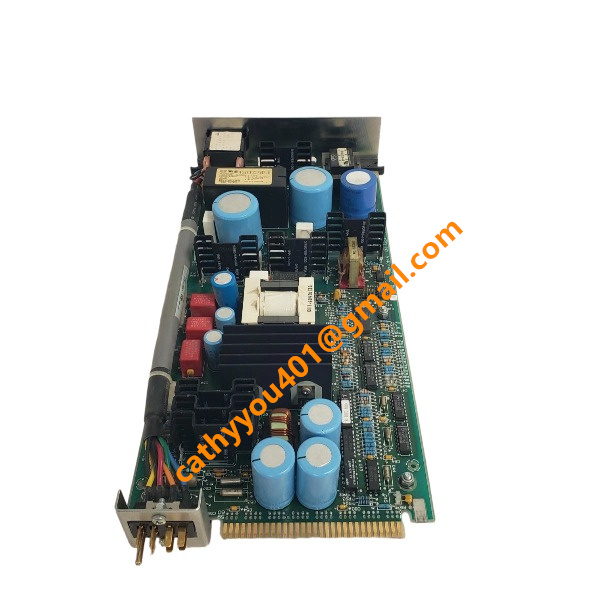
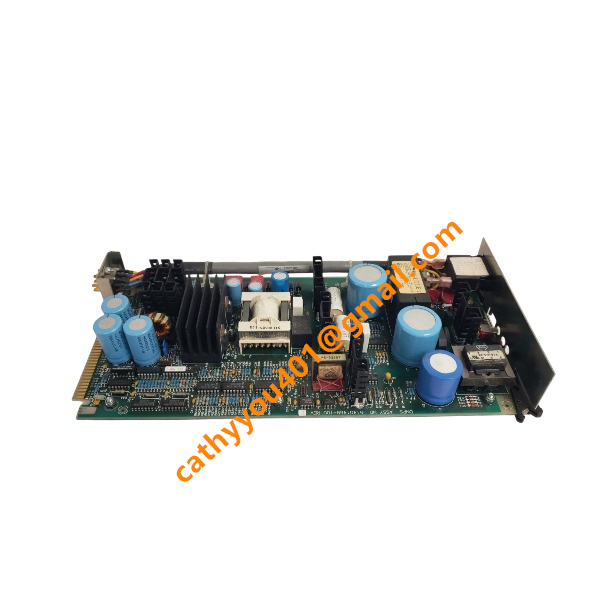







Description
-
BrandHONEYWELL
-
Model51401497-100
-
Product NameDual‑Node Power Supply Module for TDC‑3000 DCS
-
Dimensions385 mm × 180 mm × 55 mm
-
Weight1.98 kg
-
Place of OriginUnited States
-
HS Code8538900090
-
Operating Temperature‑20 ℃ to +60 ℃
-
Storage Temperature‑55℃ to +90 ℃
-
Power Supply115/230 V AC
-
Warranty12 month
-
Statusnew and original
Advantages of HONEYWELL 51401497-100
Fully compatible with the Honeywell Experion DCS platform, enabling high-speed, reliable data transmission between controllers and field devices while supporting seamless interconnection with third-party automation equipment.
Integrated full-range self-diagnostic functions with intuitive LED status indicators for operation, fault and communication status, allowing fast fault localization and significantly cutting troubleshooting time.
Adopts heavy-duty industrial-grade hardware design with superior electromagnetic interference resistance and wide temperature adaptability, ensuring stable continuous operation in high-humidity, vibrating and complex industrial field environments.
Features standard rack-mounted modular construction and supports hot-swap replacement, enabling in-service module maintenance without system shutdown and minimizing production downtime.
Optimized low-power and low-heat circuit design reduces cabinet cooling pressure, lowers overall energy consumption and decreases long-term operational costs.
Compliant with authoritative global certifications including UL, CE and CSA, fully satisfying stringent safety and reliability standards for petrochemical, power and other process industries.
Offers simple and efficient configuration and commissioning via professional engineering software, facilitating on-site debugging, system expansion and subsequent parameter modification.
Delivers outstanding long-term operational stability with ultra-low failure rates, effectively reducing spare parts consumption and routine maintenance workload for industrial control systems.

Troubleshooting for HONEYWELL 51401497-100
Module power LED stays off
Remedy: Measure power supply voltage on the rack backplane; check the power bus connector for looseness or poor contact; remove and firmly re-install the module into its rack slot; inspect the rack fuse. Replace the module if the power indicator remains dark with normal power input.
System fault LED lights solid red and the module fails to go online
Remedy: Retrieve detailed diagnostic fault information from the Experion system station; confirm the hardware model matches project configuration; re-seat the module to guarantee reliable backplane contact; download valid hardware configuration; execute hot-swap reset or complete rack power-cycle. Replace the faulty module if the malfunction continues.
Communication failure; module displayed as offline within the DCS hardware tree
Remedy: Examine the backplane communication bus for damage or loose terminals; validate controller operating condition and bus health; rule out duplicated hardware address settings; remove nearby sources of electromagnetic interference; reload the system hardware database; restart the Experion control runtime environment.
Abnormal channel status with no input-output reaction
Remedy: Ensure field wiring terminals are securely fastened, free of short-circuit and open-circuit faults; review channel parameters such as signal range, filter setting and fail-safe logic; check channel diagnostic alarms inside system software; separate and troubleshoot external loop defects; carry out channel force test using engineering tools; substitute the module when internal channel circuitry is damaged.
Unpredictable intermittent failures and random sporadic fault alarms
Remedy: Check cabinet earthing and shield cable connections; keep strong interference sources away from the rack; examine slot spring contacts for oxidation or loose fit; monitor rack power-supply fluctuation; update to compatible firmware revision; re-seat the module or run comparative tests with a spare unit.
Configuration inconsistency or failed configuration download
Remedy: Make sure the configured part number corresponds to the physical hardware; clear all compilation errors; verify communication connectivity between engineering station and controller; erase obsolete invalid configuration entries and re-import hardware definitions; re-download configuration and trigger module initialization.
FX-USI-0002
CC-PCNT02
FC-QPP-0001
FC-SCNT01
FS-USI-0002
FC-QPP-0002
51198685-100


.jpg)







