






Description
-
BrandTriconex
-
Model3008
-
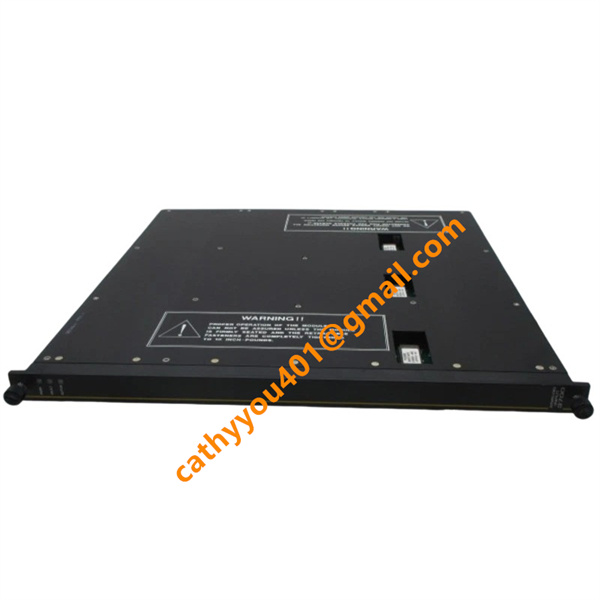
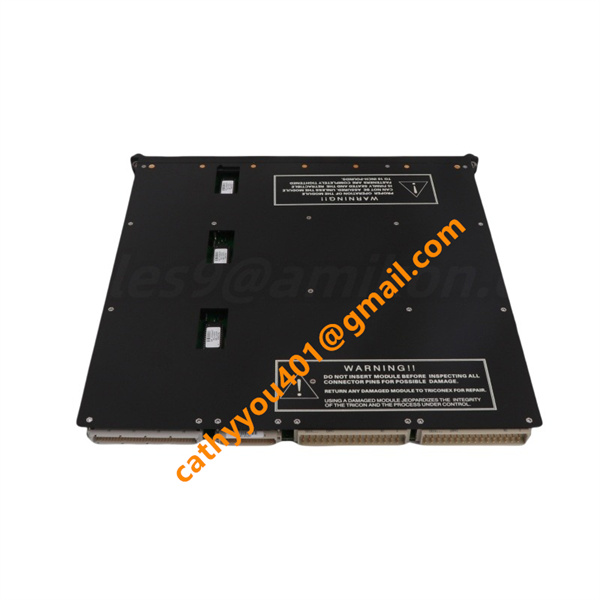
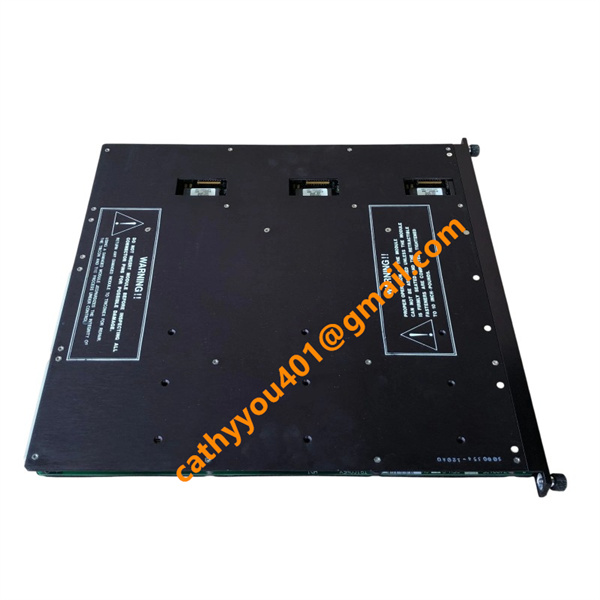
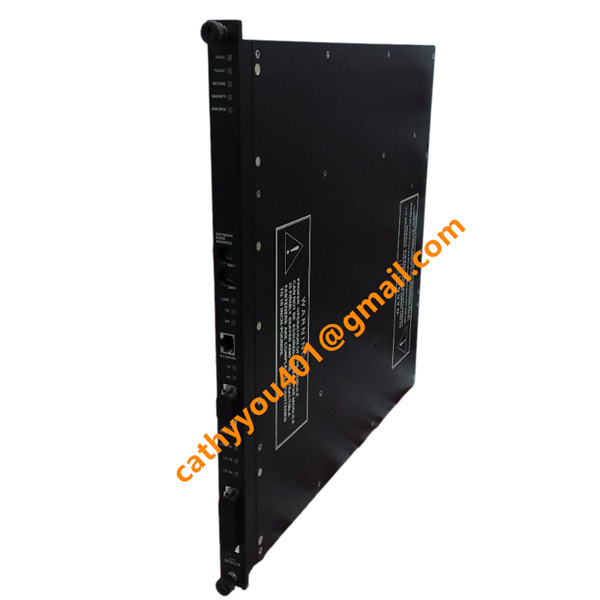
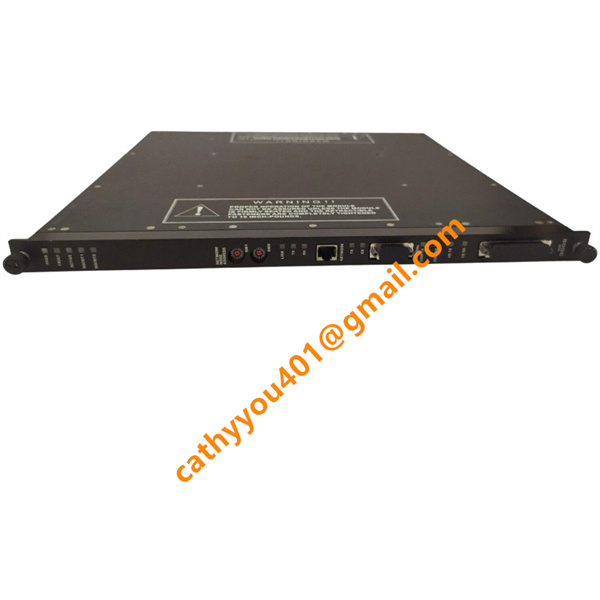
Product Name3008 Main Processor Module for Tricon TMR Safety Instrumented System
-
Place of OriginUnited States
-
HS Code85389000
-
Dimensions112 mm × 340 mm × 42 mm
-
Weight0.86 kg
-
Operating Temperature-40 °C to +70 °C
-
Storage Temperature-40 °C to +85 °C
-
Power Supply24VDC
-
Warranty12 month
-
Product StatusNew and original
Backed by abundant in-stock inventory and nearly 20 years of industry experience, our company stands as a leading player in the industrial control sector.We offer an extensive range of industrial control products covering numerous models. Should you have any other requirements, please feel free to contact us, and we will respond to you promptly.
Our main brand:
1.ABB's module cards, touch screens, controllers, etc., such as PP846 touch screen, IGCT starting with 5SHY, PM starting controller, AI, DO starting input/output module, SP starting Bailey module, etc
2.GE's module card CPUs, such as VMIC starter, IS200, IS215, IS400, IS420 series, etc,
3.Emerson's card components and EPRO probes, Westinghouse 1C series, Honeywell CC series, Schneider 140 series, Envision full series, Bentley 3500 series, Rexroth motors and drives, and Foxboro small modules.
Operating Supply Voltage: 5 VDC (supplied via Tricon backplane)
Typical Operating Current: 1.6 A
Maximum Operating Current: 1.8 A
Power Consumption: Max 9 W
Operating Voltage Tolerance: 4.75 VDC ~ 5.25 VDC
No external field power supply required; power is derived entirely from rack backplane.
1. Pre-Installation Preparation
Wear a grounded anti-static wristband and implement full electrostatic protection when handling the module to avoid static damage.
Unpack the new module and conduct a comprehensive visual inspection for housing damage, bent connectors, surface contaminants and other physical defects.
Verify that the module model, hardware revision and firmware version fully comply with the overall system design specifications.
Confirm the dedicated processor slots in the Tricon main chassis. A standard TMR safety configuration requires three 3008 modules to be installed in the specified main processor slots.
Inspect the chassis backplane connectors, clean off dust and foreign residues to ensure stable and reliable electrical contact.
Check the cabinet operating environment to ensure sufficient ventilation, with no excessive vibration, high humidity or corrosive gas present.
2. Offline Installation Procedure (System Power Off)
Align the Triconex 3008 module with the rack card guides, and insert it steadily until it is fully locked with the backplane connector.
Engage the upper and lower ejector levers to secure the module, then tighten the fixing screws on the front panel.
Follow the same procedure to install the remaining main processor modules.
Inspect all installed modules to confirm they are fully seated and free of looseness.
Energize the chassis power supply and observe the module LED status during the initialization process.
3. Hot Swap Installation (Online Replacement, Live System)
Prior to replacement, confirm the other two on-site main processors are operating normally with solid green PASS LEDs.
Complete relevant work permit approval and comply with standard safety procedures for safety instrumented system operation.
Wear a qualified anti-static wristband reliably connected to the cabinet protective grounding point.
Loosen the front panel fixing screws, push out the ejector levers, and slowly extract the faulty module from the slot.
Align the new 3008 module with the rack guides, insert it fully into the designated slot, lock the ejector levers and fasten the panel screws.
Monitor the module LED indicators, and wait for the module to complete initialization and synchronization with the other two processors.
4. Power-on Check & Hardware Verification
Observe the module status LEDs after power-on. A steady green PASS LED indicates successful and normal initialization.
If the FAULT LED is activated, inspect backplane connection status, hardware revision matching and firmware compatibility.
Launch the TriStation software and establish normal communication with the Tricon controller.
Confirm that all three 3008 modules are accurately identified by the system without any hardware fault alarms.
Verify complete TMR synchronous operation of the three redundant main processors.
5. Software Configuration Verification
Check the hardware configuration in TriStation, and ensure the slot address of each 3008 module is consistent with the physical installation position.
Confirm firmware versions of the three main processors are identical; inconsistent firmware versions will lead to synchronization failures.
Compile and download the complete hardware configuration and control logic program to the Tricon controller.
Monitor the processor scan cycle, TriBus backplane communication status and real-time system diagnostic logs.
Verify no communication errors or synchronization faults occur between main processors and system I/O modules.
Frequently Asked Questions (FAQ)
1.How fast will you reply to my inquiry?
We process all inquiries efficiently and will respond promptly once we receive your message.
2.Do you carry large inventory of industrial control parts?
We maintain massive ready stock of mainstream automation spare parts to shorten lead times.
3.Can you source discontinued or obsolete PLC & DCS modules?
Absolutely.
We specialize in sourcing hard-to-find, obsolete and out-of-production industrial control components.
4.Do you inspect goods before shipment?
Every product undergoes thorough inspection before packing and dispatch.
5.Can you ship orders worldwide?
We provide global shipping with flexible logistics for urgent and regular orders.
6.What payment methods are available?
We accept multiple secure payment options. Please contact our sales team for detailed terms.