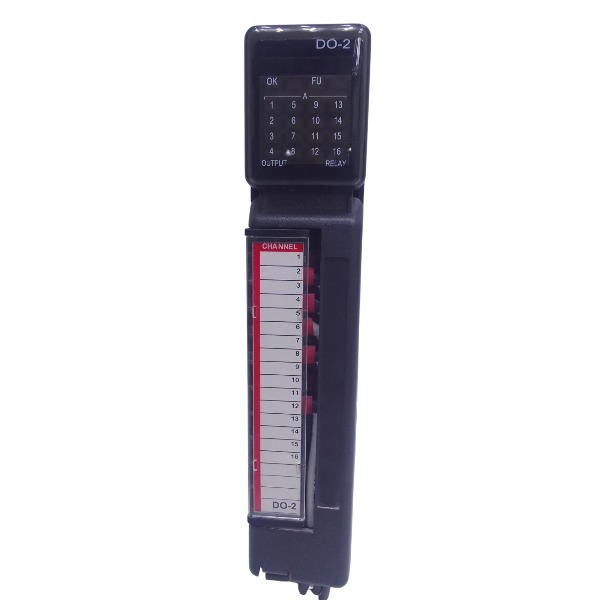







Description
-
BrandFOXBORO
-
ModelP0924AW
-
Product NameWorkstation Graphics Display Module
-
Place of OriginUnited States
-
Customs HS Code8542319000
-
Power Supply320 mA
-
Dimensions216 mm × 152 mm × 56 mm
-
Weight1.25 kg
-
Operating Temperature0 ℃ ~ +60 ℃
-
Storage Temperature‑20 ℃ ~ +70 ℃
-
Warranty12 year
-
Product Statusnew and original
FOXBORO P0924AW Common Faults and Troubleshooting
No Channel Output, Zero Loop Current
Symptom: The 4-20 mA analog output channel reads zero current, while the DCS workstation displays normal output commands.
Causes: Blown channel fuse; loose or corroded terminal connections; damaged field cables; poor contact between the P0924AW carrier and FBM module.
Troubleshooting: De-energize the affected loop, inspect and replace the blown channel fuse; clean and retighten terminal fasteners; verify field-cable continuity; reseat the P0924AW carrier and FBM module and inspect front-connector integrity.
Unstable and Fluctuating mA Output
Symptom: Output current drifts irregularly and causes actuator chattering.
Causes: Improper grounding and ground-loop interference; electromagnetic interference generated by adjacent high-voltage or VFD cables; out-of-specification loop load resistance; oxidized contacts at test points.
Troubleshooting: Route signal cables separately from power cables; revise system grounding to eliminate ground loops; confirm loop load resistance complies with technical specifications; wipe oxidized test-point contacts using isopropyl alcohol; re-examine cable-shield termination.
Loss of Module Communication with FBM / DCS Workstation Alarm
Symptom: The workstation raises a communication-failure alarm, and module status LEDs show abnormal status.
Causes: Insufficient backplane contact; dust-contaminated or corroded connector pins; incompletely locked carrier latch; defective FBM hardware.
Troubleshooting: Execute hot-swap for the P0924AW carrier; clean backplane surfaces and connector pins; ensure the carrier latch is fully engaged; perform spare-part substitution with a confirmed good carrier to localize faults to either carrier or FBM hardware.
Channel Over-Current Fault with Illuminated Fault LED
Symptom: Channel fault alarm activates and the output cuts off automatically.
Causes: Short-circuited field loop; reversed wiring polarity; internal short-circuit within the field actuator.
Troubleshooting: Disconnect field wiring and check for loop short-circuits; correct wiring polarity; detach field equipment and run channel-output tests to confirm carrier hardware health.
Overheated Terminals
Symptom: Screw-terminal area exhibits high local temperature accompanied by sporadic signal interruption.
Causes: Under-torqued terminal screws; excessive loop current; poorly crimped conductors.
Troubleshooting: Retighten terminals to the specified torque value; measure actual loop current; re-terminate defective wires; replace damaged terminal blocks.
Random Signal Loss under Heavy Vibration
Symptom: Signal drops out intermittently when cabinet or site equipment vibrates.
Causes: Unlocked carrier latch; loose terminal conductors; fatigued or deformed connector pins.
Troubleshooting: Fully secure the carrier locking latch; re-torque every terminal connection; check for bent or worn connector pins; implement cabinet vibration-damping modifications.

FOXBORO P0924AW Technical Specifications
I/O Type: Analog Output Termination Carrier. It acts exclusively as FBM termination hardware with zero onboard signal-processing functions.
Input: No field-side input channels. It receives pre-converted 4-20 mA analog signals via the rear connector of the corresponding FBM module.
Output: 4-20 mA sinking-mode analog current loops for field devices. Every channel is protected by a replaceable fuse; integrated spring-loaded test points support quick mA signal measurement.
Compatible FBM Modules: FBM205 (16-Channel Analog Output), FBM206 (8-Channel Analog Output)
Supported System: Foxboro I/A-Series DCS; compatible with P0500JX baseplate backplane.
Software: I/A-Series System Software, Foxboro Control Configuration Tool, FoxView / FoxDraw HMI. Additional driver installation is not required; all configuration is finished on DCS workstations.
Communication Protocol: Adopts Foxboro proprietary FBM backplane bus. The P0924AW itself does not support any external fieldbus protocols; all protocol operations are completed by the matched FBM module.
Voltage & Current Parameters:
Loop Signal: 4-20 mA DC sinking output
Loop Power Supply: 24-30 VDC external power supplied from field side
Backplane Power: Power is provided by FBM and baseplate; the termination carrier consumes negligible auxiliary current
Per-Channel Fuse: 1 A, 125 V fast-blow fuse
Maximum Loop Load: Subject to load specifications of FBM205 and FBM206
Terminal Wire Range: 0.5-2.5 mm² screw-clamp terminals

FBM231 P0926GV
FDC280 RH101FQ
H927046C0700
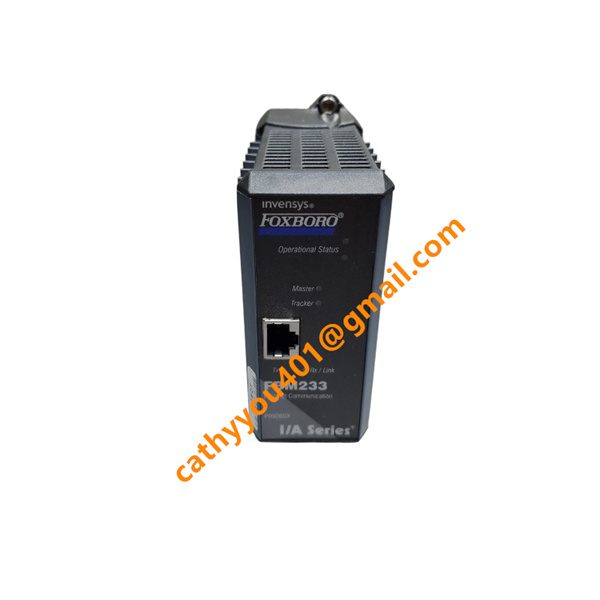
FBM233


.jpg)