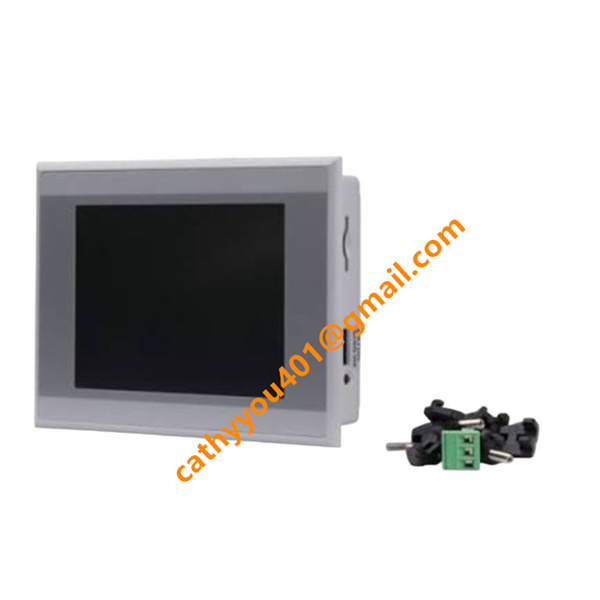
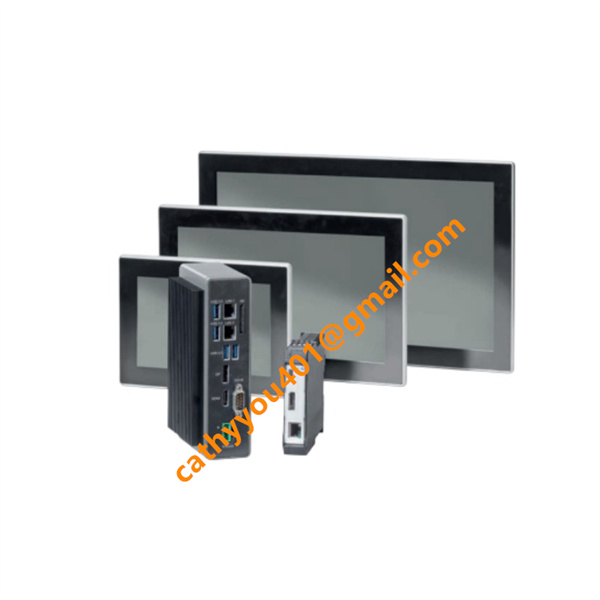
Description
-
BrandEATON
-
ModelXV-440-10TVB-X-2I
-
Product NameXV400 Series Integrated HMI‑PLC Combined Operator Panel
-
Dimensions345 mm × 260 mm × 88 mm
-
Weight1.86 kg
-
Place of OriginSwitzerland
-
HS Code8537101190
-
Operating Temperature0 °C to +50 °C
-
Storage Temperature‑20 °C to +60 °C
-
Power Supply24 VDC
-
Warranty12 month
-
Statusbrand new
The working principle of EATON XV-440-10TVB-X-2I
The EATON XV-440-10TVB-X-2I is a compact human-machine interface (HMI) equipped with onboard digital input channels. Fundamentally, it performs human-machine interaction, data handling and on-site signal acquisition for automation systems.
Operator inputs captured by the touch panel are translated into internal control commands. Through Ethernet and serial communication ports, the HMI conducts real-time data interchange with PLCs and other field controllers: it presents process variables on its display and transmits operator-initiated commands down to subordinate field hardware.
Its dual integrated digital inputs sample on-site switch status, translating raw electrical signals into digital format readable by the internal processor for on-screen visualization, logical evaluation and alarm activation. Running user-loaded application projects via embedded firmware, the unit implements screen sequencing, alarm triggering, data logging and parameter administration. As a result, it delivers visual equipment monitoring, local discrete-signal capture and an operator interface for the complete automated system.

EATON XV-440-10TVB-X-2I Commissioning Procedure
1. Hardware Installation Inspection
Check and confirm that the EATON XV-440-10TVB-X-2I unit is firmly and securely mounted in place. Verify all power cables, signal wires and communication cables are correctly and reliably wired in accordance with the product wiring manual. Ensure the input power supply voltage complies with the device’s rated voltage specifications to avoid equipment damage.
2. Power-On Check
Switch on the device power supply and observe the power indicator status. After the HMI completes the boot process, check the display screen carefully to confirm no fault codes, alarm prompts or abnormal system warnings are present. Ensure the device boots up normally and enters the standby state stably.
3. Project Download Preparation
Connect the programming computer to the XV-440-10TVB-X-2I HMI via Ethernet cable or USB programming cable. Confirm that the official supporting configuration software is fully installed and operates normally on the PC. Configure the PC IP address to match the device network segment to ensure normal network communication and successful connection between the computer and the HMI.
4. HMI Project Download
Launch the configuration software and open the completed target HMI project file. Select the project download function to transmit the project program and configuration files to the XV-440-10TVB-X-2I controller. Do not cut off the power or disconnect the cable during downloading. Wait for the download process to finish and the device to complete automatic restart successfully.
5. Communication Parameter Configuration
Access the system settings interface on the HMI touch screen. Configure core communication parameters including communication protocol, device station address, baud rate and data parity bits. Ensure all communication parameters are consistent with the matched PLC and on-site field equipment to guarantee stable and normal data interaction.
6. Comprehensive Function Test
Scroll and operate all HMI screen pages to verify sensitive and accurate touch response without delay or failure. Test and confirm the normal functions of data reading and writing, system alarm display, and on-site signal feedback. Inspect the two built-in signal input channels of the device to ensure all channels work stably and meet operational requirements.
7. System Parameter Backup
Insert a qualified USB storage device into the HMI interface. Export and back up the complete HMI project file and all system configuration parameters to the USB medium. The backup files are reserved for subsequent equipment maintenance, program recovery and equipment replacement debugging.
8. Final Acceptance and Stable Operation Test
Run the entire system continuously for a certain period for aging testing. Monitor the device operating status in real time to confirm no abnormal faults such as accidental restart, communication disconnection, touch failure or data anomaly. The commissioning work is deemed completed only after the system runs stably and meets all on-site operation standards.

XVC-676-GTI10-DPM-V1
XV-102-B6-35TQR-1AL
SL72S4SH3LANL7MNR25
XV-303-15-C00-A00-1C
XV-152-D6-84TVRC-10