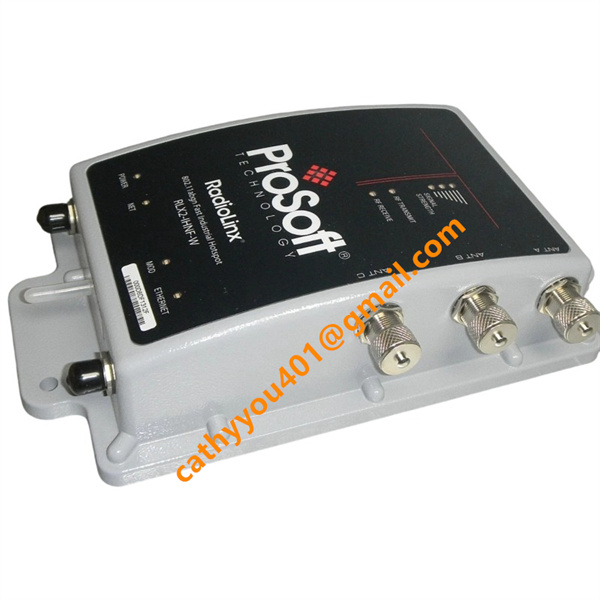

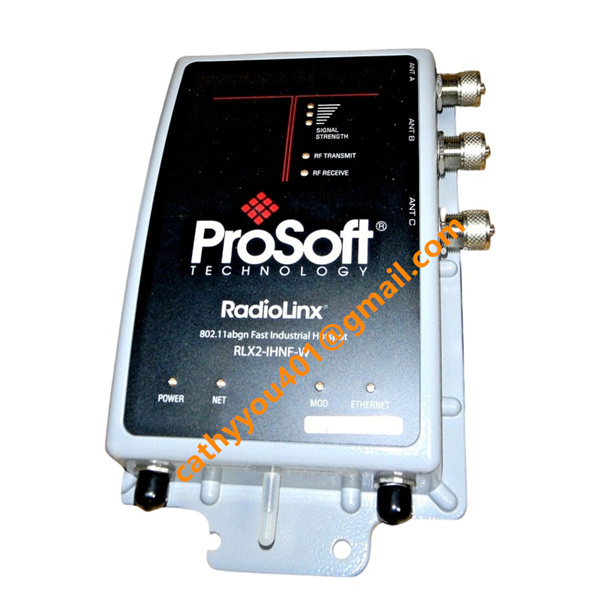







Description
-
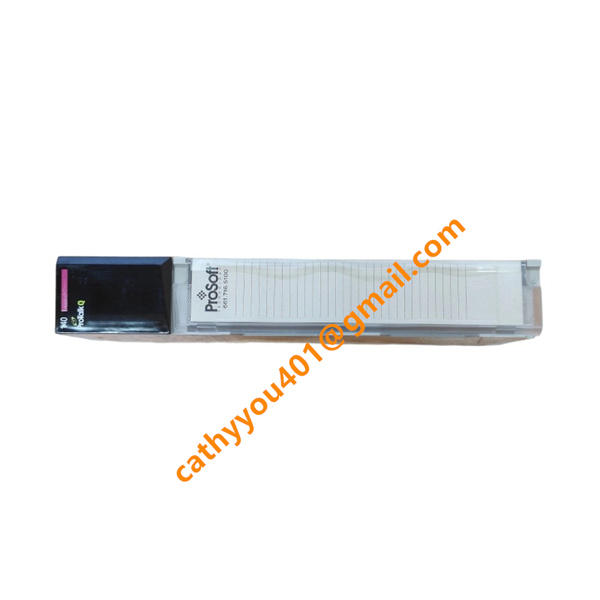
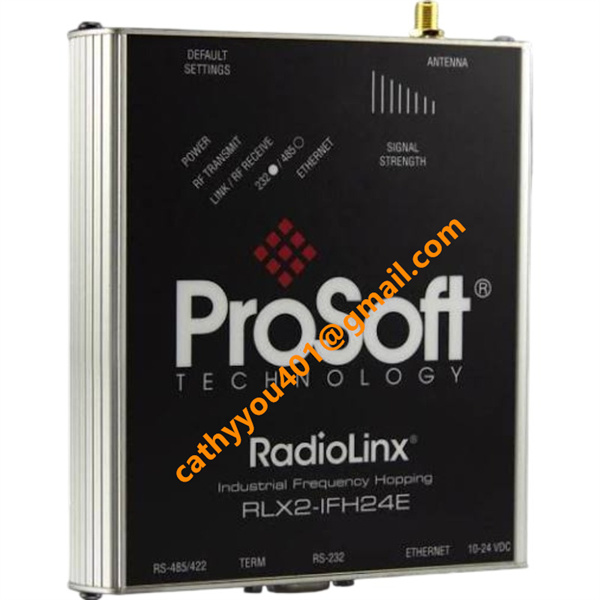
BrandProSoft
-
ModelRLX2-IHNF
-
Product NameRadioLinx RLX2-IHNF 802.11abgn Fast Industrial Hotspot
-
Place of OriginUnited States
-
HS Code8517623990
-
Dimensions148 mm × 118 mm × 38 mm
-
Weight499 grams
-
Operating Temperature-40 °C to +70 °C
-
Storage Temperature-45 °C to +85 °C
-
Power Supply10–24 VDC
-
Warranty12 month
-
Product StatusNew and original
Backed by abundant in-stock inventory and nearly 20 years of industry experience, our company stands as a leading player in the industrial control sector.We offer an extensive range of industrial control products covering numerous models. Should you have any other requirements, please feel free to contact us, and we will respond to you promptly.
Our main brand:
1.ABB's module cards, touch screens, controllers, etc., such as PP846 touch screen, IGCT starting with 5SHY, PM starting controller, AI, DO starting input/output module, SP starting Bailey module, etc
2.GE's module card CPUs, such as VMIC starter, IS200, IS215, IS400, IS420 series, etc,
3.Emerson's card components and EPRO probes, Westinghouse 1C series, Honeywell CC series, Schneider 140 series, Envision full series, Bentley 3500 series, Rexroth motors and drives, and Foxboro small modules.
Fault 1: Power LED is off, the radio cannot start up
Solutions: Check the 24 VDC PoE power supply and PoE injector status; examine the M12 power cable for damage or loose terminals; confirm whether short-circuit protection has been activated; replace the PoE injector or power cable for verification.
Fault 2: Ethernet LED does not light up, unable to access the web interface or discover via IH Browser
Solutions: Ensure the Ethernet cable is properly connected; make sure the radio and host device are located within the same IP subnet; temporarily disable the PC firewall; test with an alternative network cable; verify port negotiation status on the switch.
Fault 3: IH Browser fails to detect the radio unit
Solutions: Assign a valid static IP address to the PC network adapter; shut down firewall software that blocks scanning; refresh the scan list inside IH Browser; confirm all radios are powered normally; eliminate conflicts caused by multiple active network adapters.
Fault 4: Unstable wireless connection with frequent disconnections
Solutions: Review RSSI signal strength; inspect antenna connectors for looseness, corrosion or water intrusion; verify antenna polarization and mounting orientation; mitigate co-channel wireless interference; adjust operating channel and transmit power; remove metal barriers obstructing the signal path.

Fault 5: Low communication throughput and high packet loss rate
Solutions: Monitor retransmission statistics through the web diagnostic page; adjust the radio roaming threshold; optimize antenna placement; activate QoS for industrial control data; isolate control network from non-critical traffic; check external electromagnetic interference sources.
Fault 6: Cannot access the radio web page due to forgotten login password
Solutions: Restore factory default configuration; power down the unit, press and hold the reset button, re-energize and keep holding the button for 30 seconds; log in using the default credentials after reboot; reconfigure all parameters afterwards.
Fault 7: Radio undergoes spontaneous repeated rebooting
Solutions: Inspect power supply stability and voltage variations; ensure adequate heat dissipation to prevent overheating; check for antenna short circuits; upgrade the radio firmware to a stable release; replace the unit if internal hardware malfunction is confirmed.
Fault 8: Roaming malfunction between master and remote radios
Solutions: Standardize SSID, encryption mode and security configurations across all radios; tune roaming threshold and parent margin parameters; verify overlapping signal coverage zones; prevent same-channel interference between neighboring access points.
Fault 9: Configuration fails to save or parameters revert after power cycling
Solutions: Complete all parameter adjustments and click Apply Changes; wait until configuration storage is finished before cutting power; resolve known firmware defects via firmware upgrade; reset to factory defaults and reconfigure the device.
Fault 10: Undefined communication faults occurring after prolonged continuous operation
Solutions: Export and analyze radio event logs; execute a power cycle to clear temporary cache; monitor operating temperature; check connectors for water ingress and dust buildup; verify link stability by replacing antennas or signal cables.

Overview: RLX2-IHNF is an industrial fast wireless hotspot supporting 802.11abgn dual-band MIMO communication.
Power Input
Dual power supply modes: 10–24 VDC external DC power input; 802.3af PoE power input via Ethernet port.
Ethernet Interface
1× shielded 10/100/1000 Base-T Ethernet port; bidirectional data transmission for wired industrial network access.
Wireless RF Interfaces
3× N-type antenna ports (ANT A / ANT B / ANT C); bidirectional RF signal input and output for MIMO wireless transceiving on 2.4 GHz and 5 GHz bands.
Serial Interface
RS232 DB9 port; supports serial tunneling, device debugging and configuration access.
Status Indication Output
Onboard LED indicators: power status, Ethernet link activity, wireless link status and fault alarms.
Configuration Interface
Internal web server accessible via Ethernet for parameter setup, diagnostics and firmware upgrade.
No discrete digital input/output terminals for external control signals.
Auxiliary Interface
MicroSD card slot for configuration backup and storage of system logs.
Protective Ground Terminal
External grounding screw for EMC shielding and safety grounding.
Frequently Asked Questions (FAQ)
1.How fast will you reply to my inquiry?
We process all inquiries efficiently and will respond promptly once we receive your message.
2.Do you carry large inventory of industrial control parts?
We maintain massive ready stock of mainstream automation spare parts to shorten lead times.
3.Can you source discontinued or obsolete PLC & DCS modules?
Absolutely.
We specialize in sourcing hard-to-find, obsolete and out-of-production industrial control components.
4.Do you inspect goods before shipment?
Every product undergoes thorough inspection before packing and dispatch.
5.Can you ship orders worldwide?
We provide global shipping with flexible logistics for urgent and regular orders.
6.What payment methods are available?
We accept multiple secure payment options. Please contact our sales team for detailed terms.
7.Do you offer warranty on industrial control spare parts?
Warranty differs by product.
Confirm specific warranty details with us prior to ordering.
8.Are your automation parts new or used?
We supply both new and fully tested used industrial control spare parts.
Please state your needs in your inquiry.
9.What is your typical delivery lead time?
In-stock items can be shipped quickly.
We will advise exact lead time for out-of-stock products after stock verification.
10.Can you offer technical support to check model compatibility?
Yes.Our professional team provides technical support to verify specifications and model compatibility.